Publish once. It’s on your website and in your app.
NewsLoop is a complete news publishing system: a fast website with three themes, a newsroom admin with AI writing tools, and an Android and iOS app you design by drag and drop. It installs on ordinary shared hosting from the browser.
- Laravel 13 and Vue 3
- Flutter app source for Android and iOS
- PHP 8.3+, MySQL or MariaDB
- Six reader languages, Arabic right to left
- Change your app without a store update
- AI with your own OpenAI, Claude, Gemini or Ollama key
- Installs on shared hosting from the browser
- Memberships with Stripe, PayPal, Razorpay and Paystack
- English, Arabic, Spanish, French, Hindi and Bengali
- One-click updates with a backup first
- WordPress importer with old addresses kept
Three products that share one newsroom
The website, the admin and the app use the same articles, sections and accounts. You write in one place, and readers find it wherever they read.
A website readers come back to
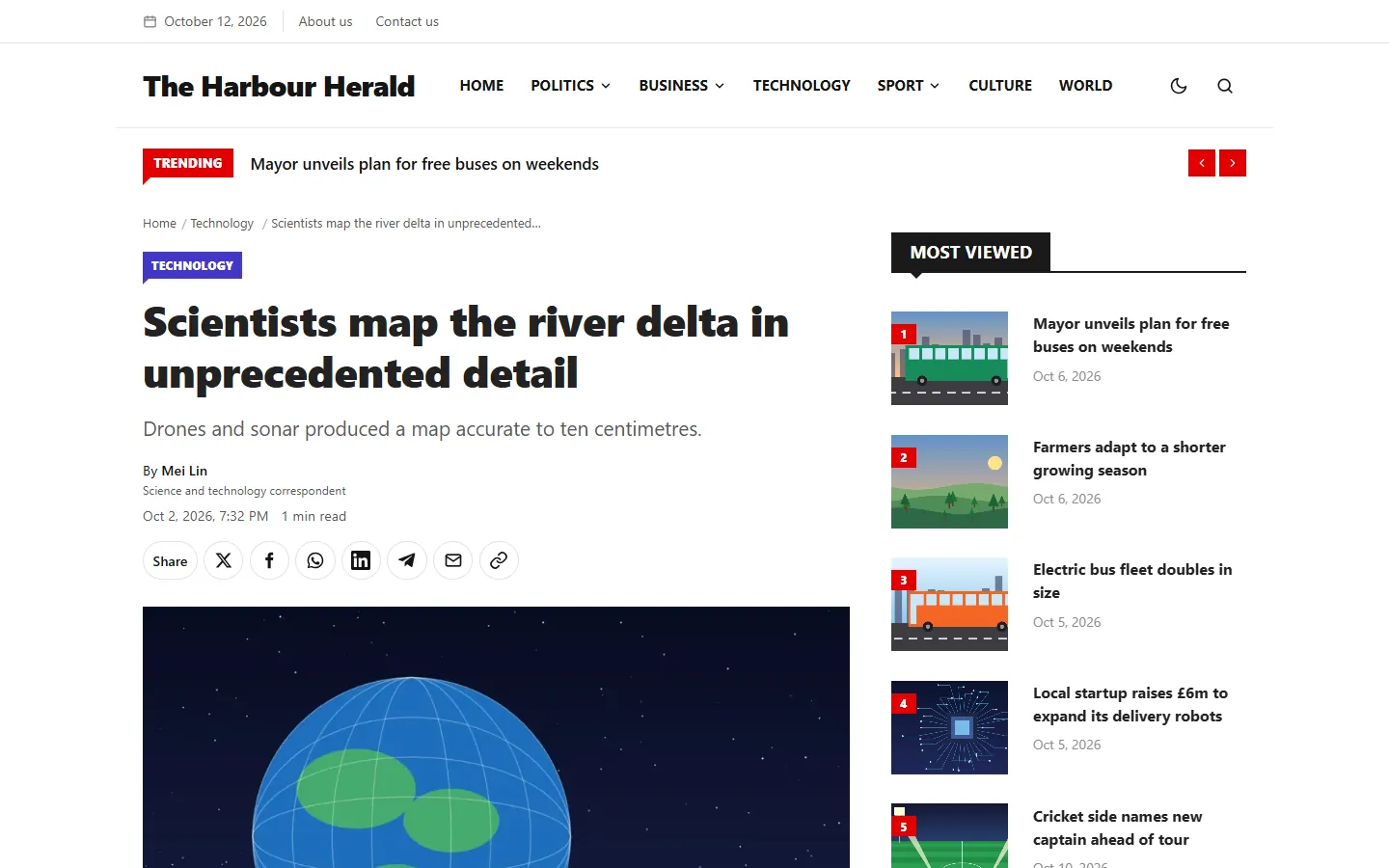
Three themes, a home page you arrange by drag and drop, dark mode, and search engine work done for you.
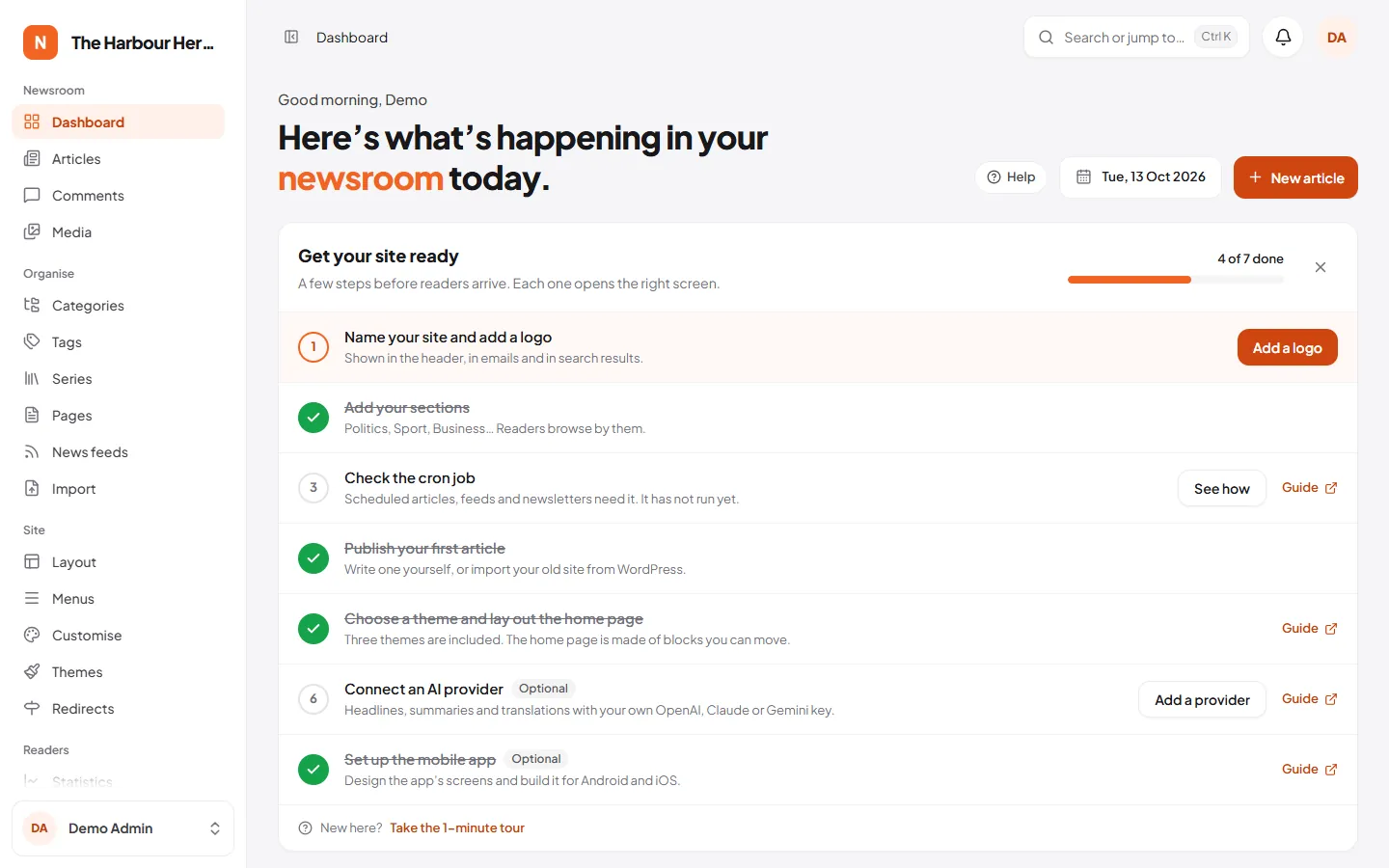
A newsroom that runs itself
Writing, review, scheduling, comments, media and statistics, with seven roles so everyone sees only what they need.
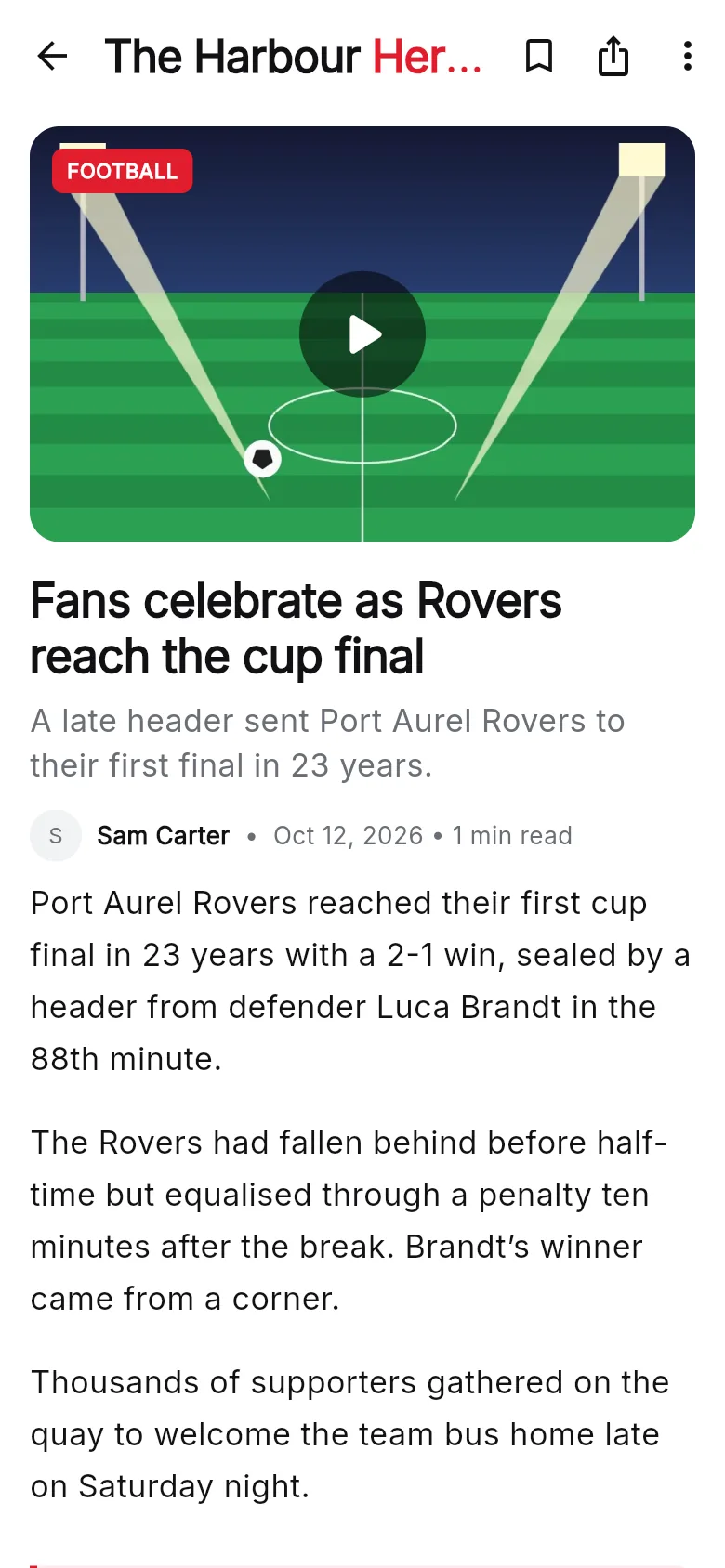
Your own app
Android and iOS, from Flutter source you own.
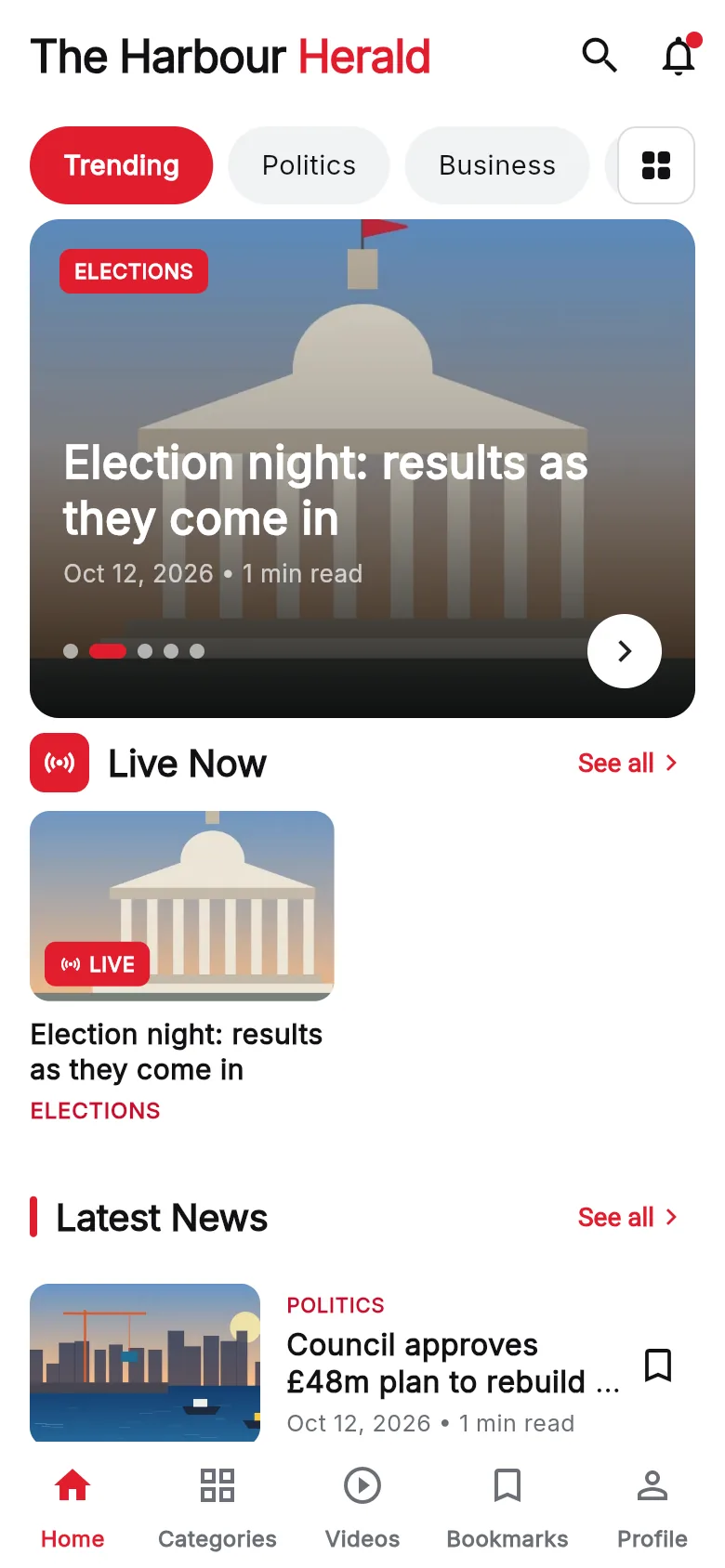
Design your app in the admin. Readers get it the next time they open it.
The app builder shows your app on a phone with your real articles. Drag in components, choose what they show, set the theme and menu, then press Publish. Installed apps download the new layout: no rebuild, no store review.
Build the app once
Set the name, icon and store IDs in one file, then build with Codemagic in the cloud, for both stores, with no Mac needed.
Design it in the builder
24 components, six starter layouts, a theme with light and dark mode, and undo for everything.
Publish
The layout is checked first. Every version is kept, so you can compare and roll back.
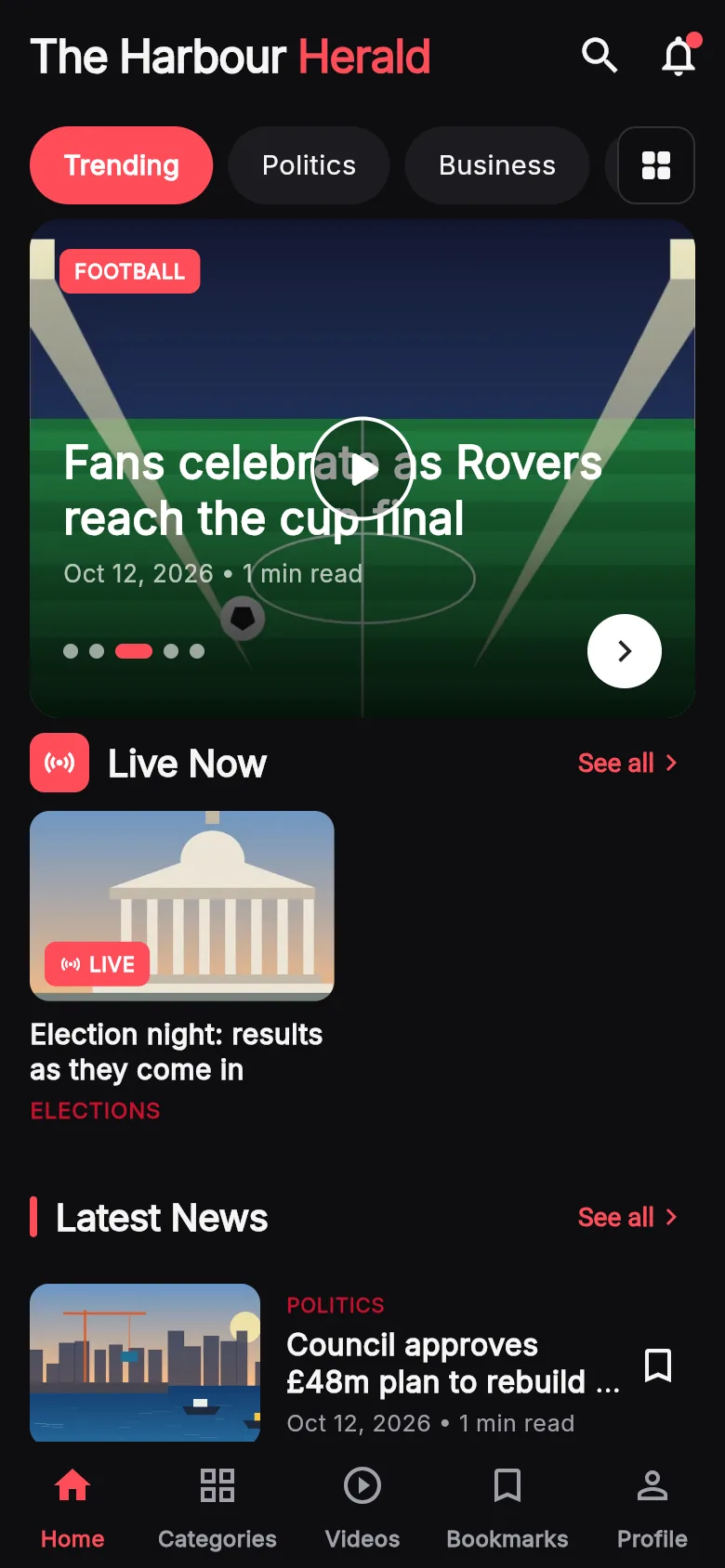
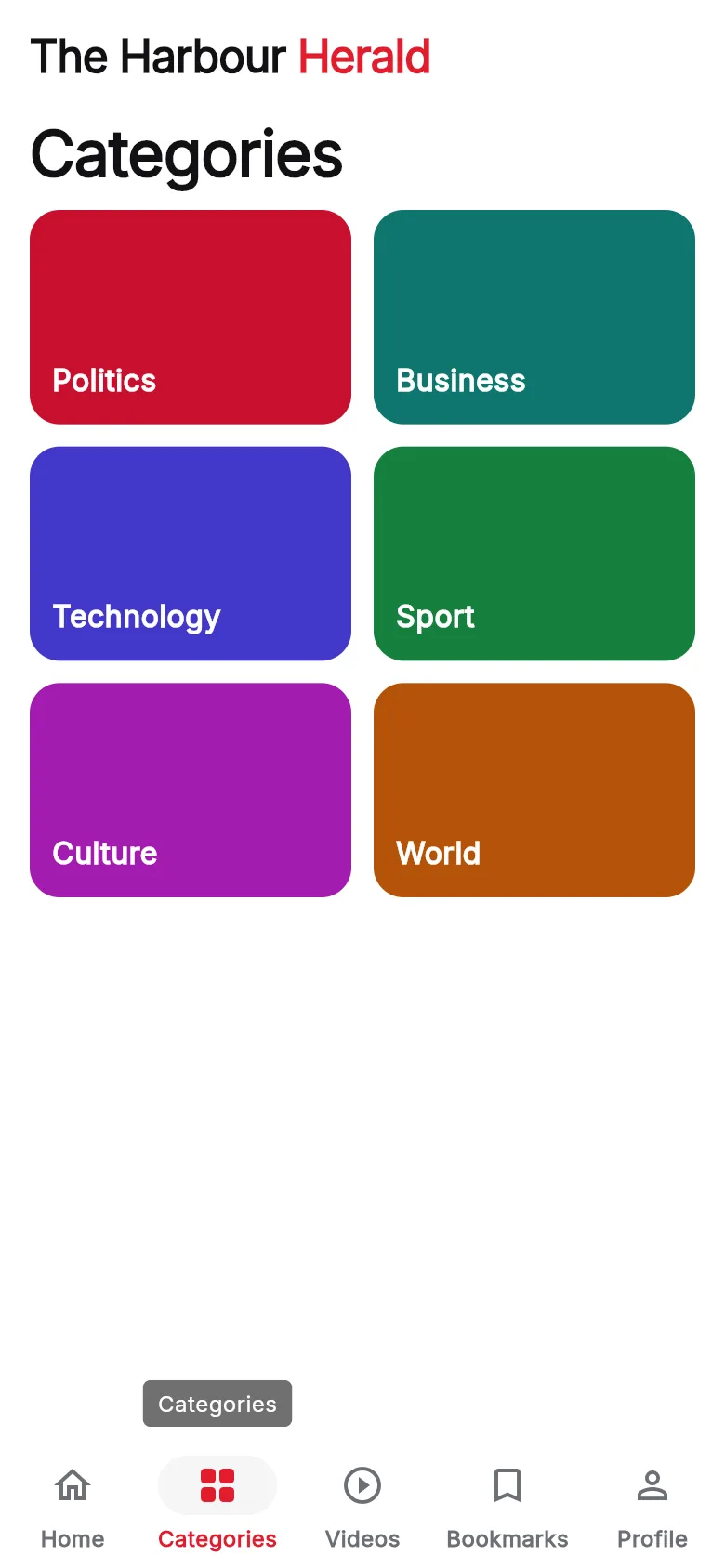
- Sign in with email, Google or Apple
- Saved articles synced across devices
- Push notifications by topic and language
- Offline reading
- Links to your site open in the app
- AdMob with Europe's consent form
- Account deletion in the app, as both stores require
- Forced updates and a maintenance screen
- White-label script and Codemagic templates
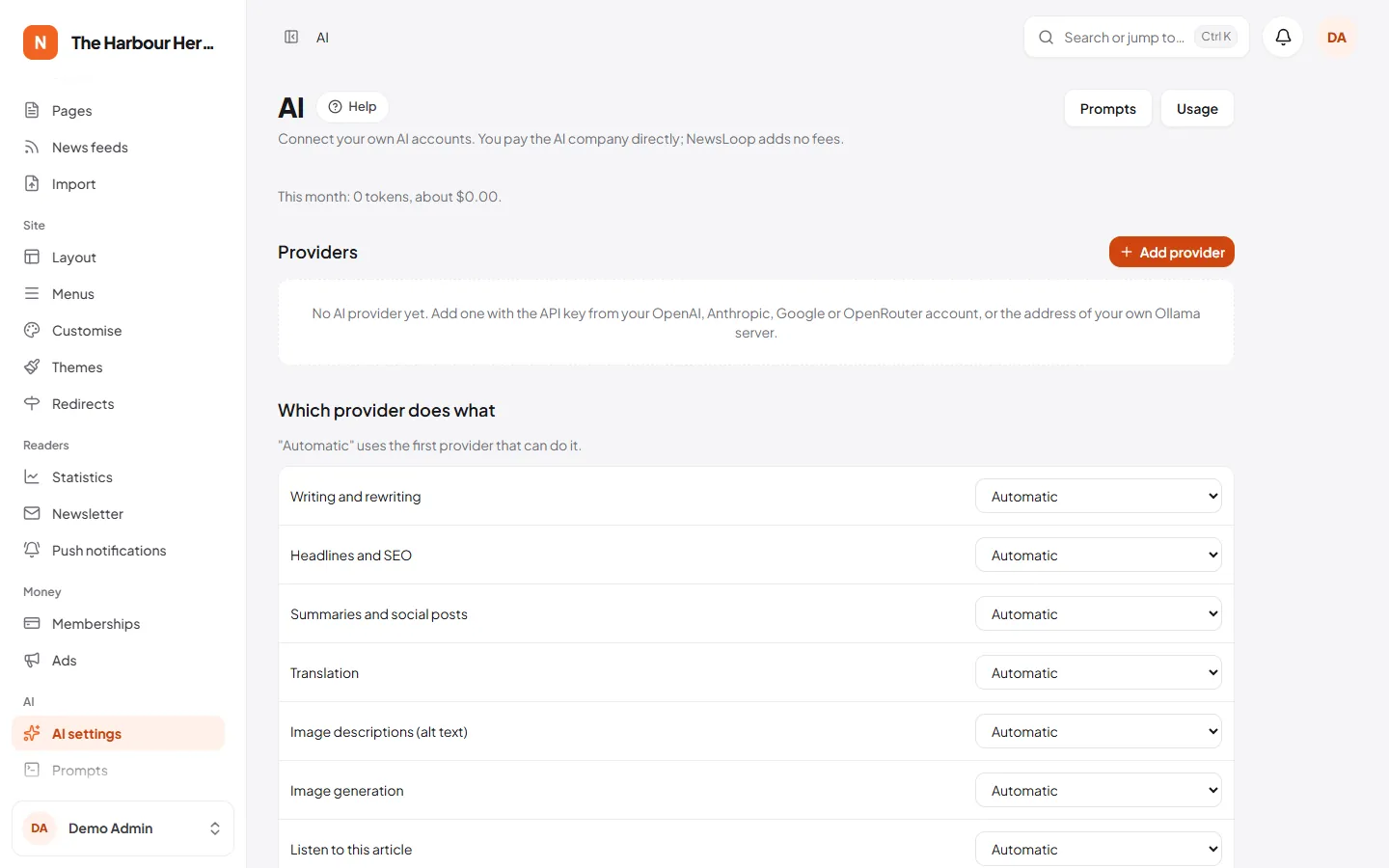
AI that helps your writers, on your own account
There is no subscription to us. Connect the provider you already use, choose which one does which job, and set a monthly allowance per person so the bill never surprises you.
- OpenAI
- Anthropic Claude
- Google Gemini
- OpenRouter
- Ollama on your server
- Any OpenAI-compatible server
Write
- First drafts from notes
- Expand, shorten or continue
- Rewrite in a tone
- Fix spelling, simplify
Get found
- Headline ideas
- Meta descriptions
- Tags and a section
- "In short" summaries
Reach further
- Translate whole articles
- "Listen to this article" audio
- Push alert and social post text
Pictures
- Featured images, credited as AI
- Alt text suggestions
Stories imported from feeds and rewritten by AI always arrive as drafts for a person to check, with the source credited. You can also show readers an "AI helped write this" label.
A newsroom with a proper workflow
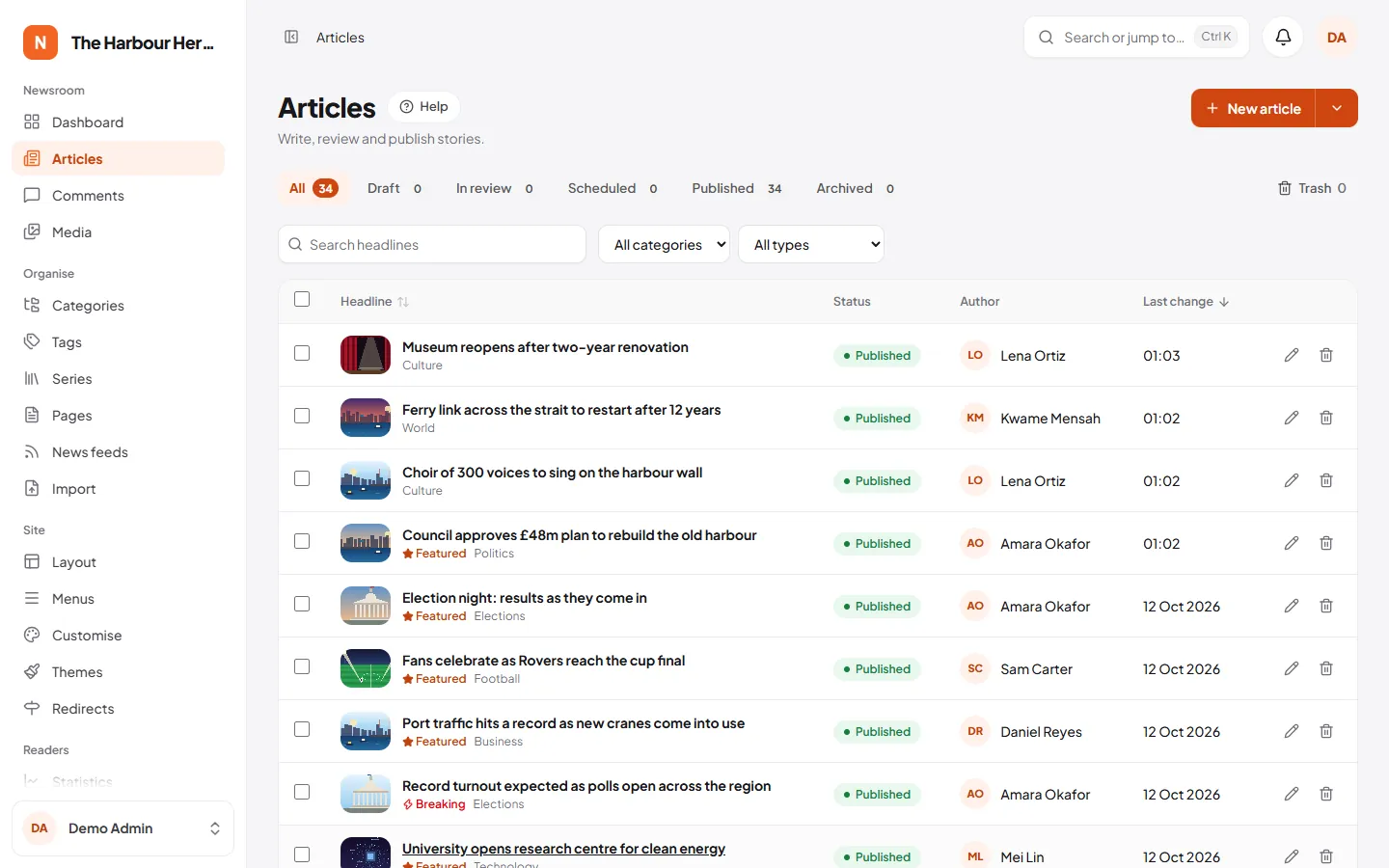
Writers send drafts for review, editors publish or schedule them, and everyone is told what changed. Nothing goes out by accident.
- DraftSaved as you type, private until published
- In reviewThe editor is told, and can send it back with a note
- ScheduledGoes out on time, in your timezone
- PublishedOn the site, in the app and in the sitemaps
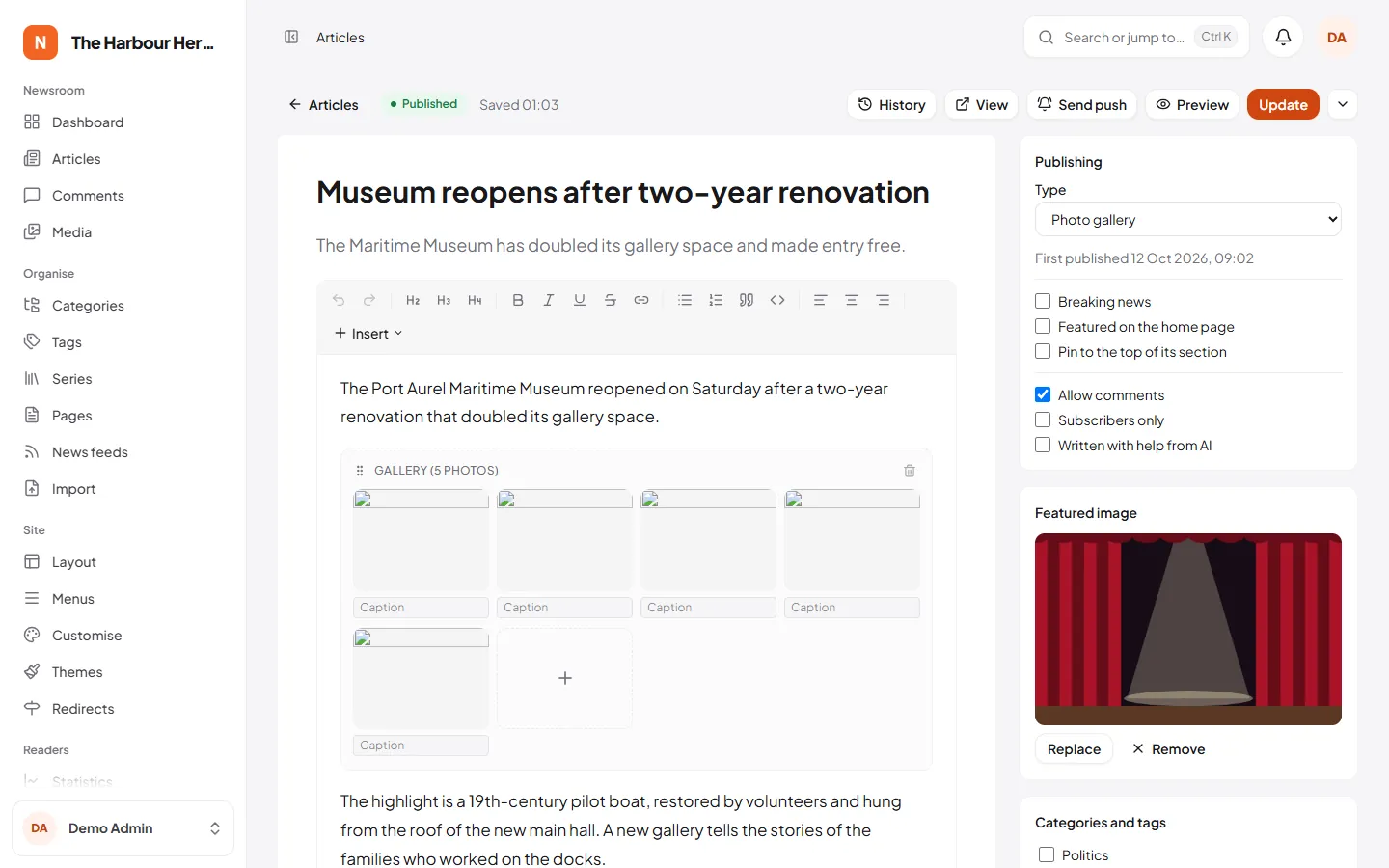
- Articles, video, audio, galleries and live blogs
- A rich editor with embeds, tables, callouts and pull quotes
- Edit locking, revision history with a side-by-side comparison, and restore
- Seven built-in roles, and your own with the permission matrix
- Media library with focal-point crops, alt text and WebP sizes
- Comments with moderation and spam protection
- Importers for WordPress, CSV and news feeds
- Search or jump to any screen with Ctrl K
Media library
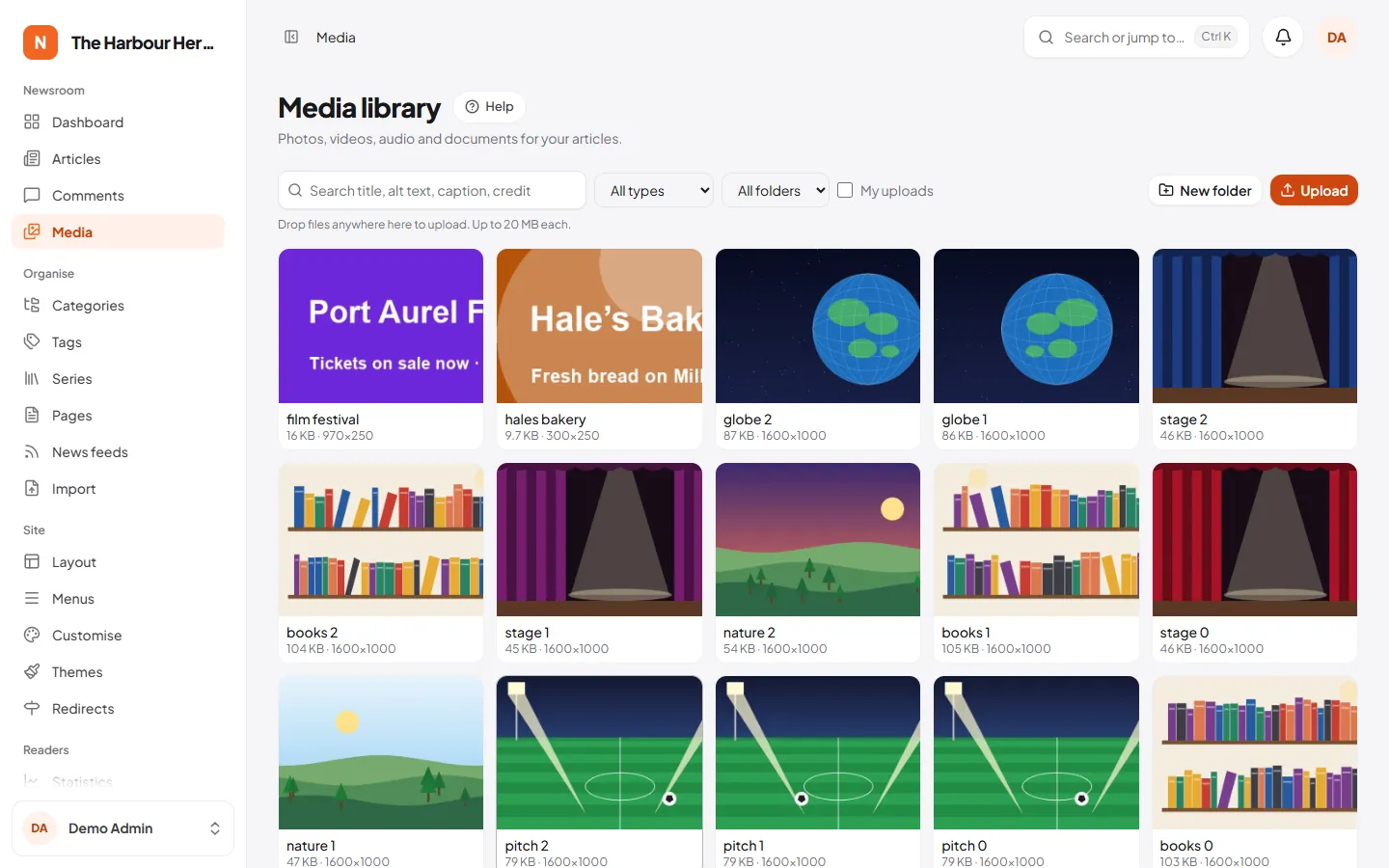
Pictures are checked, cleaned of GPS data and cut to WebP sizes around the point you choose.
Comments
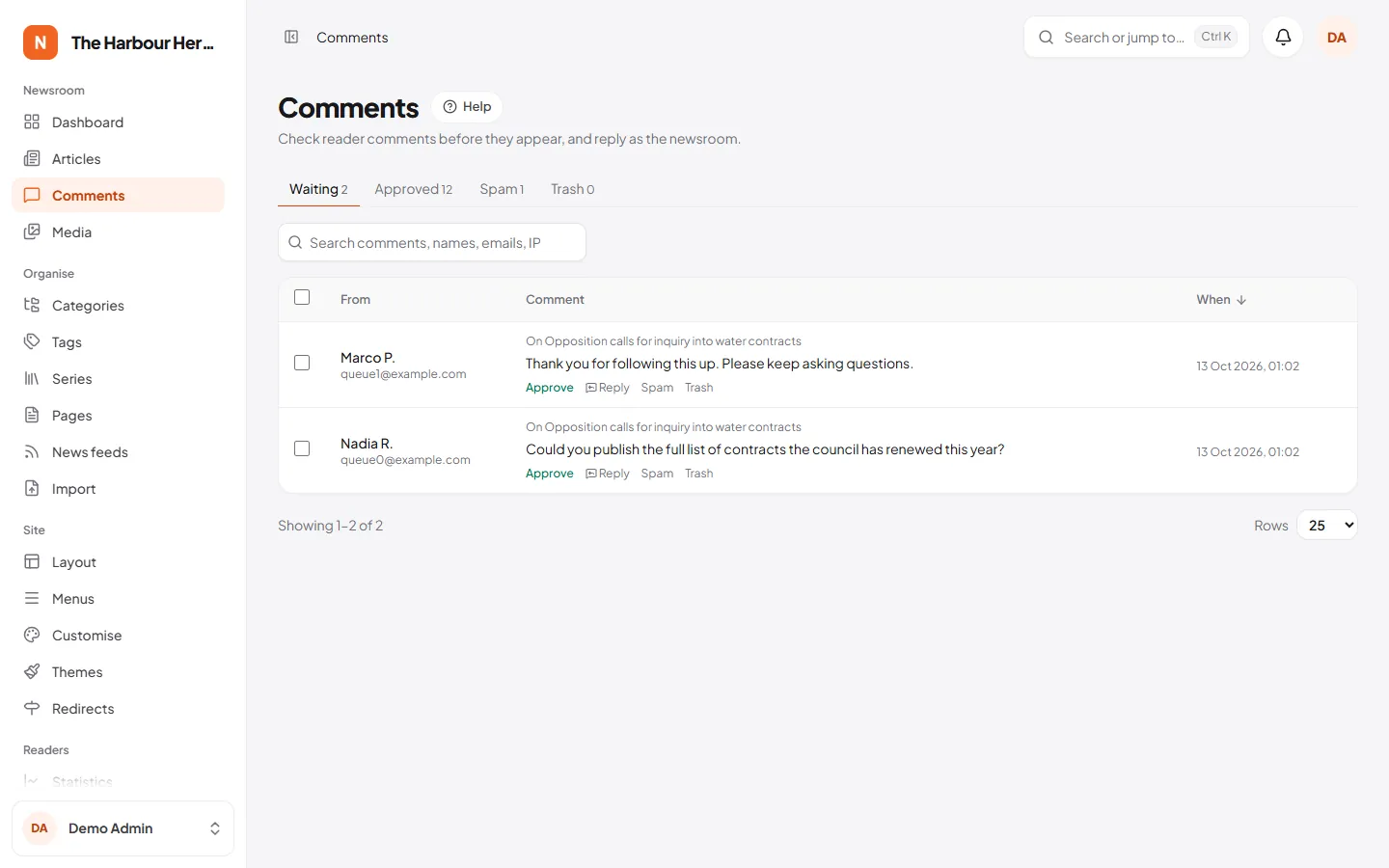
A moderation queue with bulk actions and staff replies, and spam kept out by default.
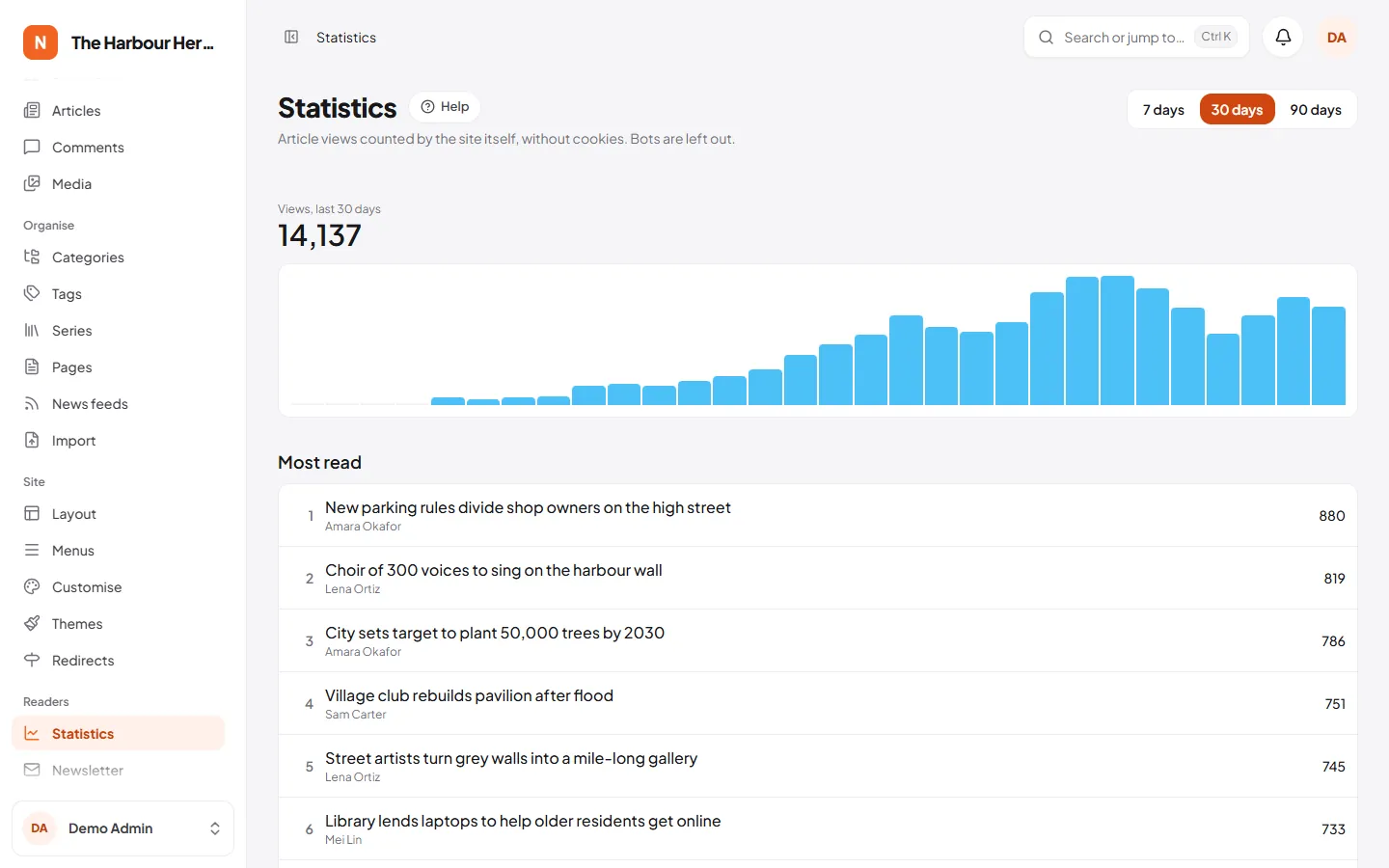
Statistics
Views, most read articles, authors, sources and devices, without extra tools.
A website that looks like a real newspaper
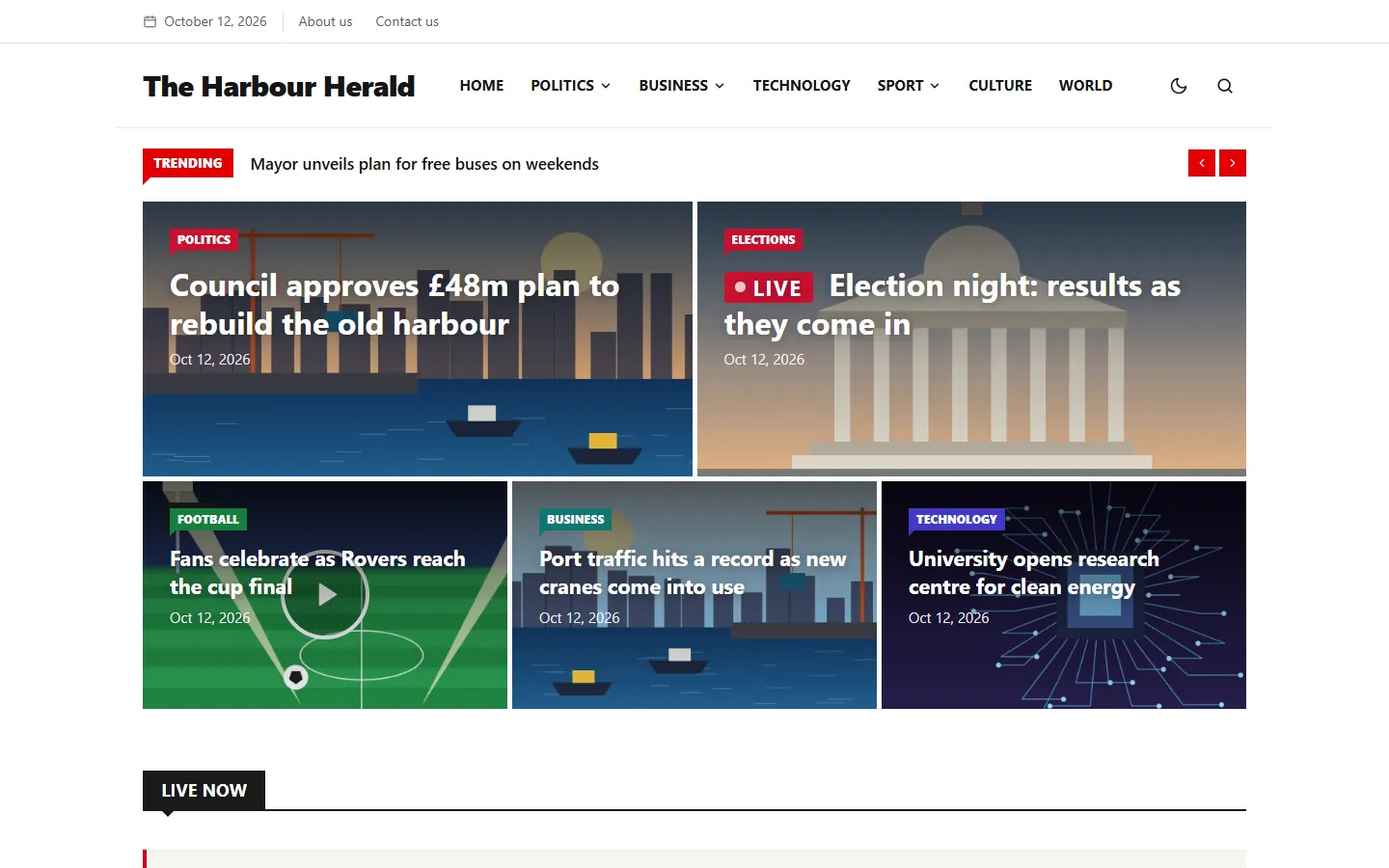
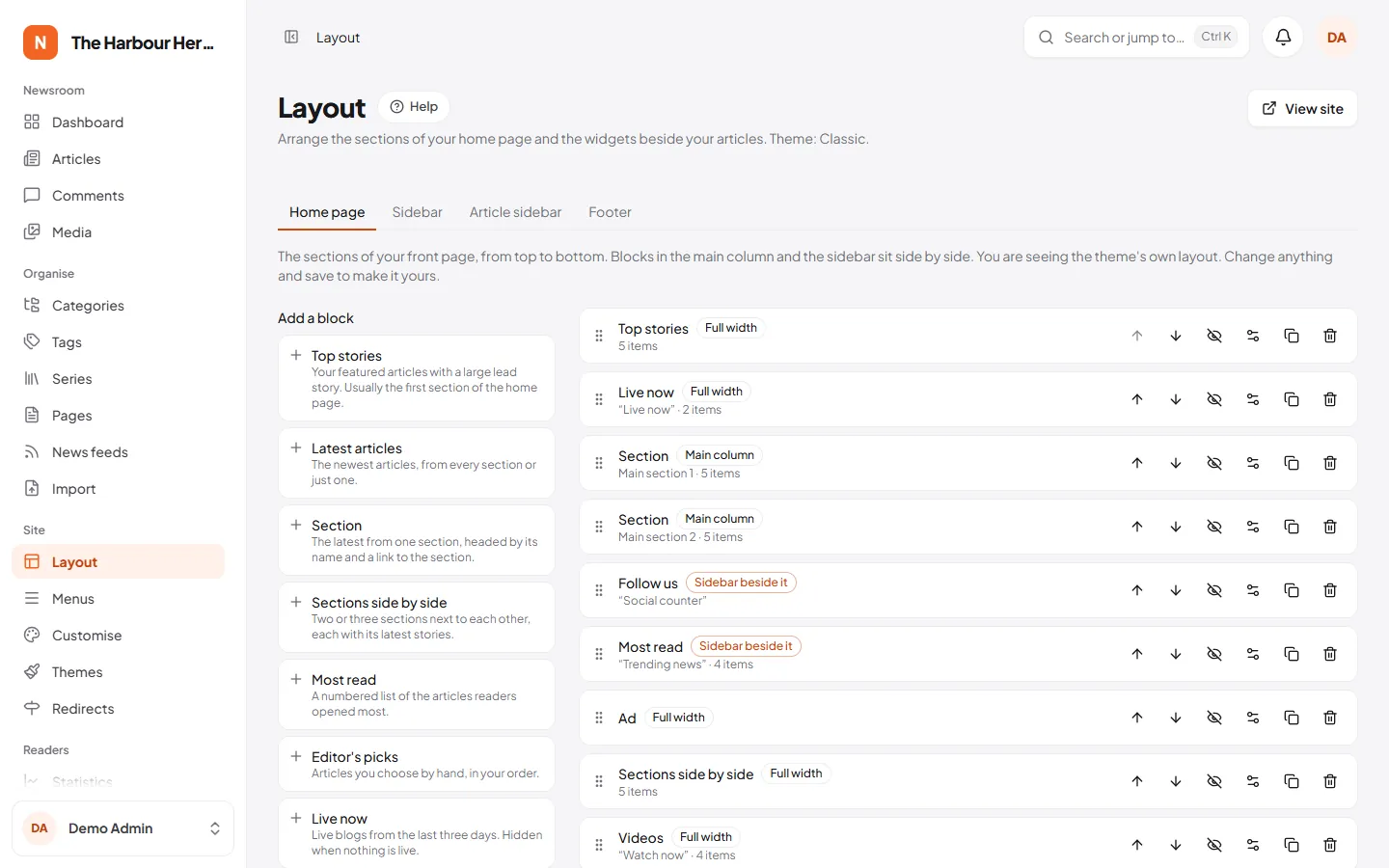
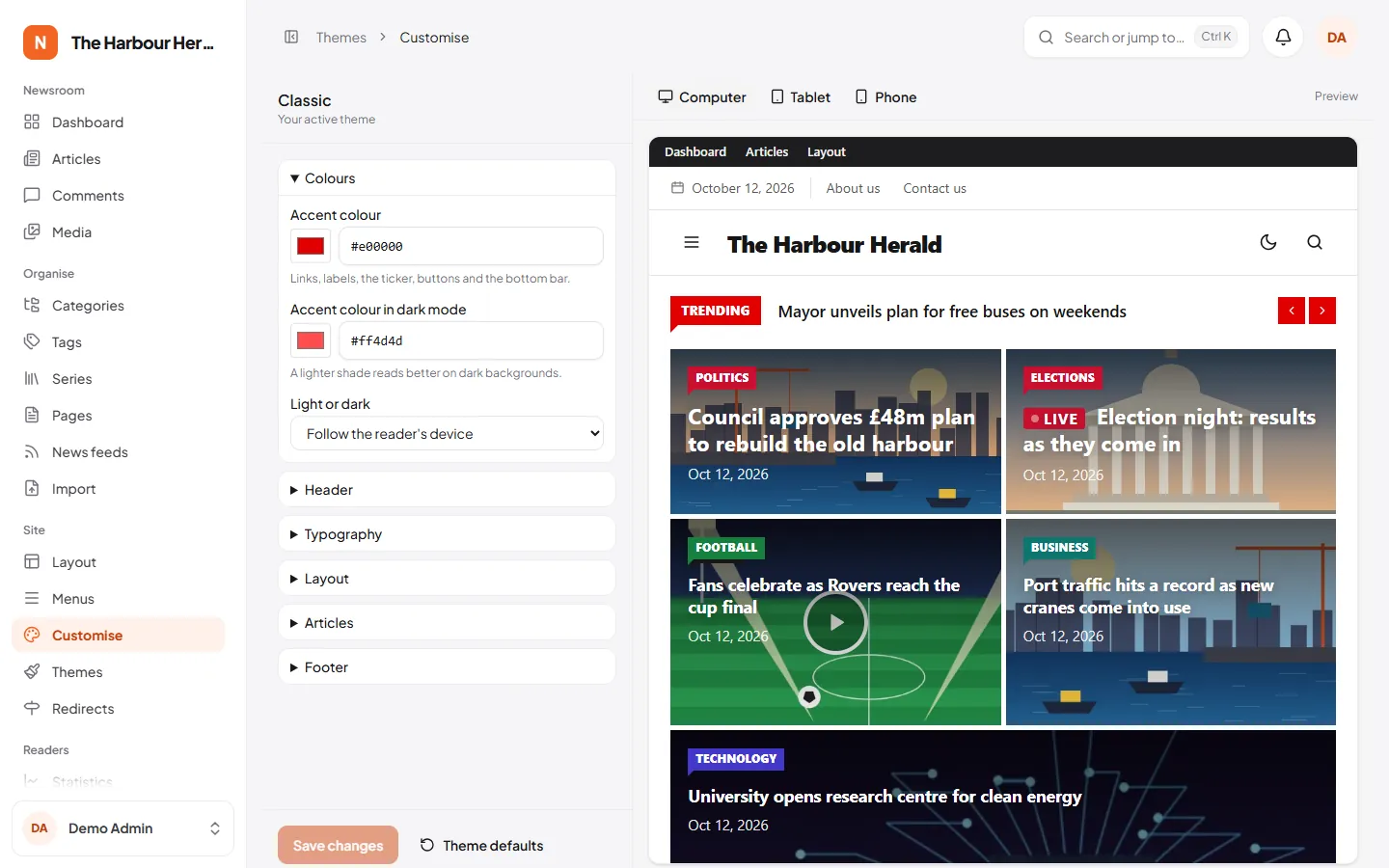
Pick a theme, set your colours and fonts with a live preview, and arrange the home page by drag and drop. No code, and no build tools if you do want to edit a theme.
Classic: a news portal with a dense front page, a ticker and a sidebar.
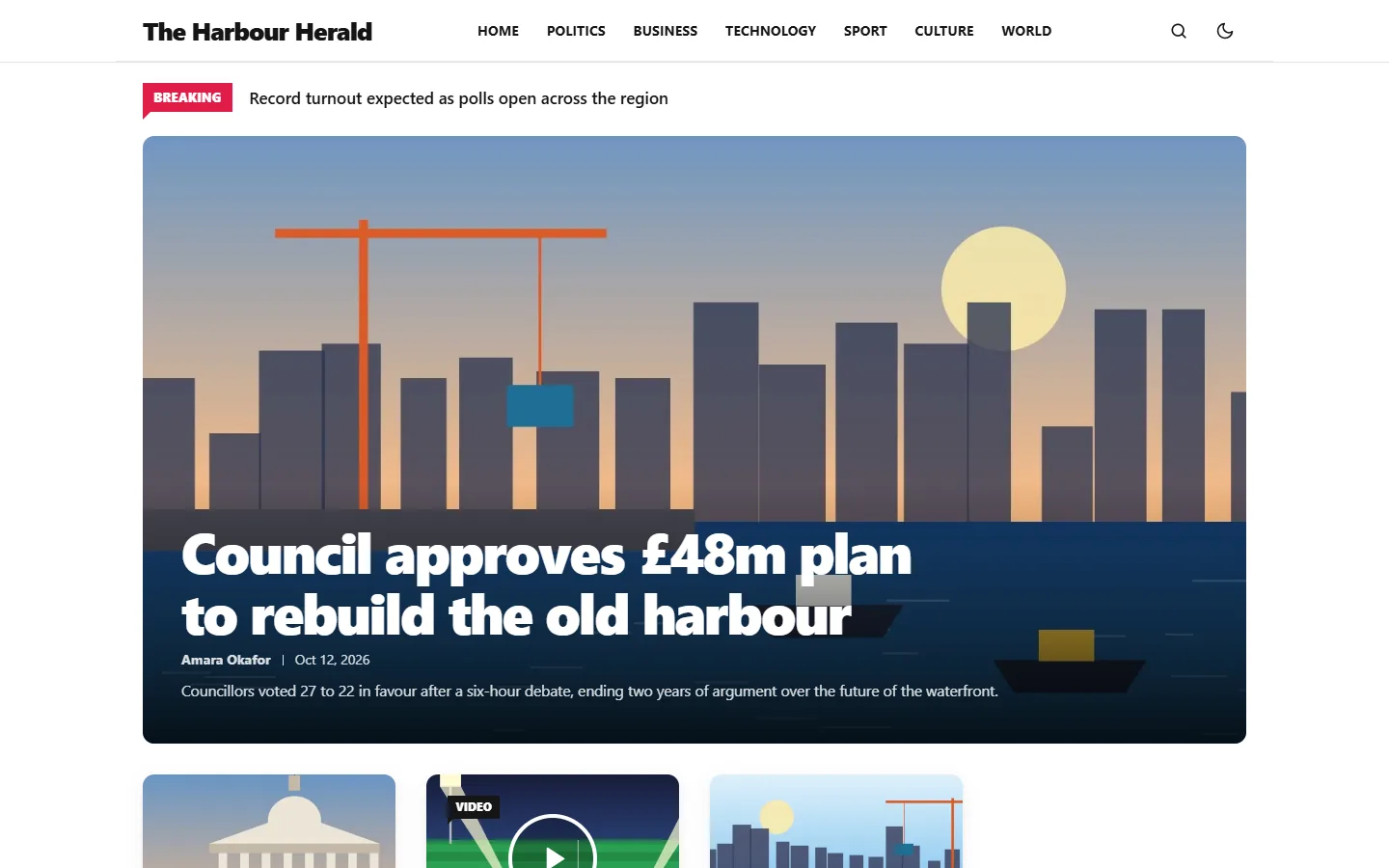
Magazine: a compact header, a big hero story and large pictures.
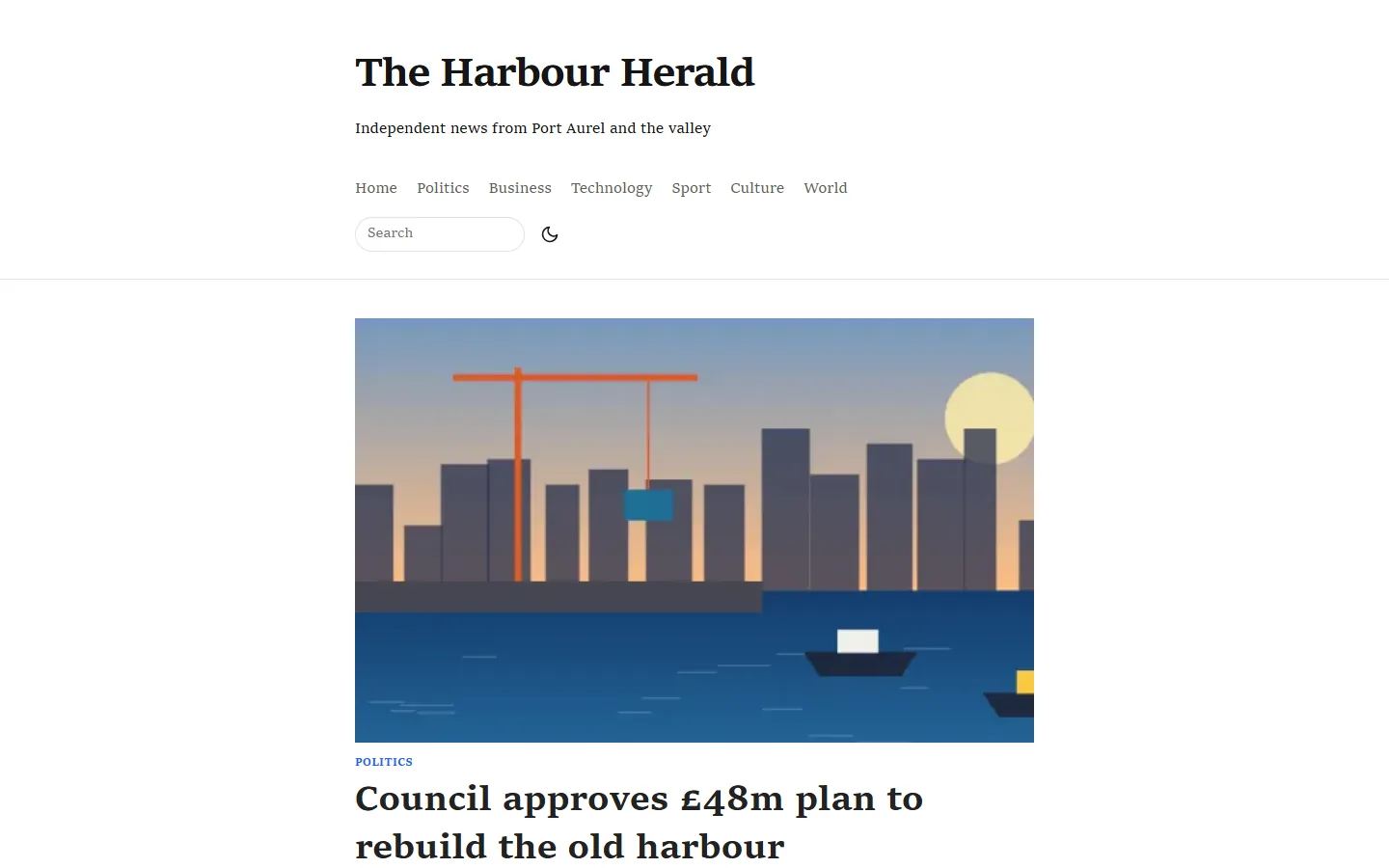
Minimal: one column, words first. Suits newsletters and columnists.
Found by search engines
- Titles, descriptions and Open Graph cards
- Structured data for news and live blogs
- XML sitemaps and a Google News sitemap
- Redirects made for you when things move
Fast
- Ready-made pages for readers
- WebP pictures in the right size
- A busy page is rebuilt once, not a thousand times
Readers everywhere
- Six languages, Arabic right to left
- Addresses per language with hreflang
- Cookie consent and "Download my data"
Earn from your journalism
Sell memberships, run ads and keep readers close with a newsletter and push notifications. Card details never touch your server.
Memberships
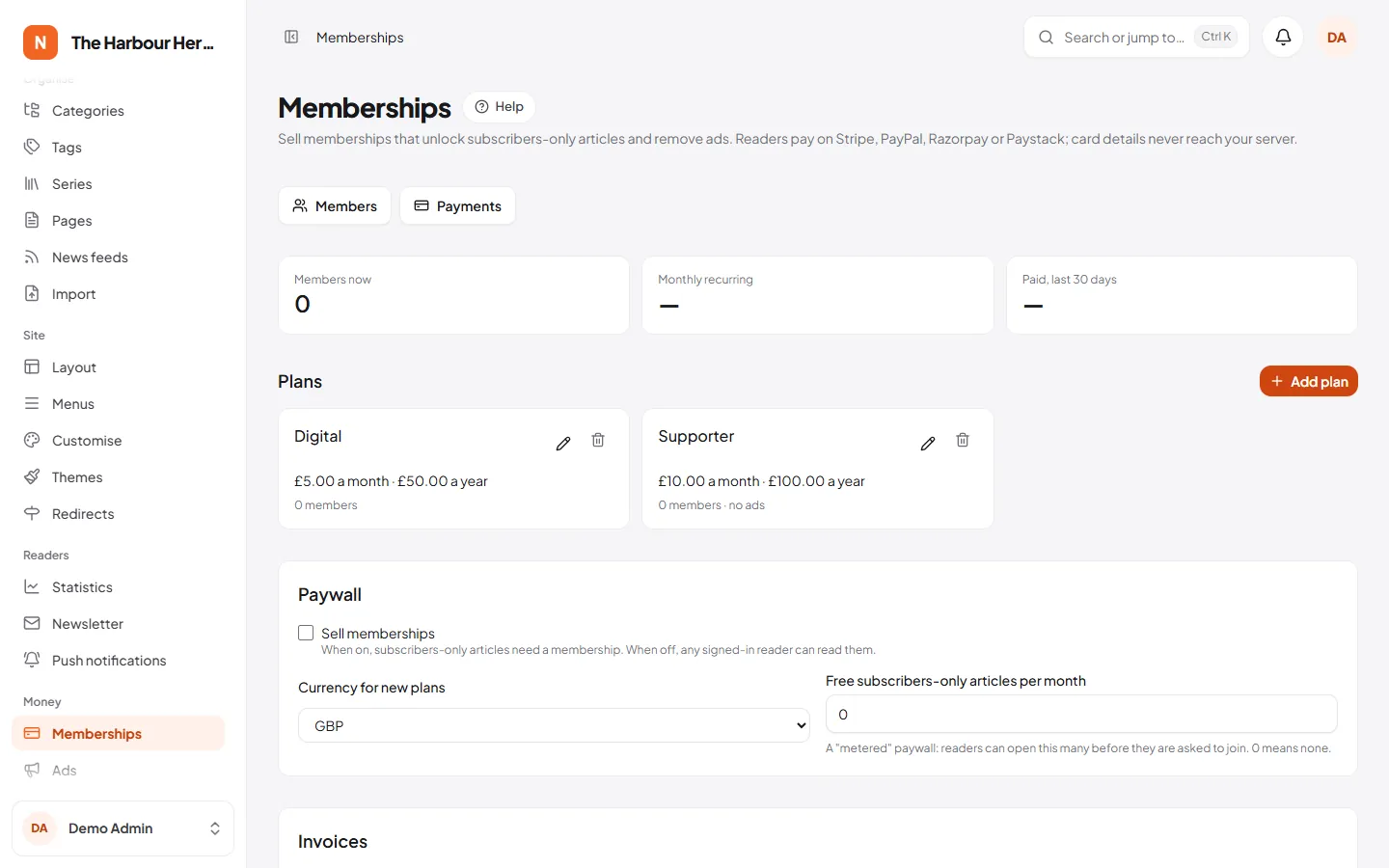
Monthly and yearly plans, free trials, a metered paywall and invoices, with Stripe, PayPal, Razorpay or Paystack.
Newsletter
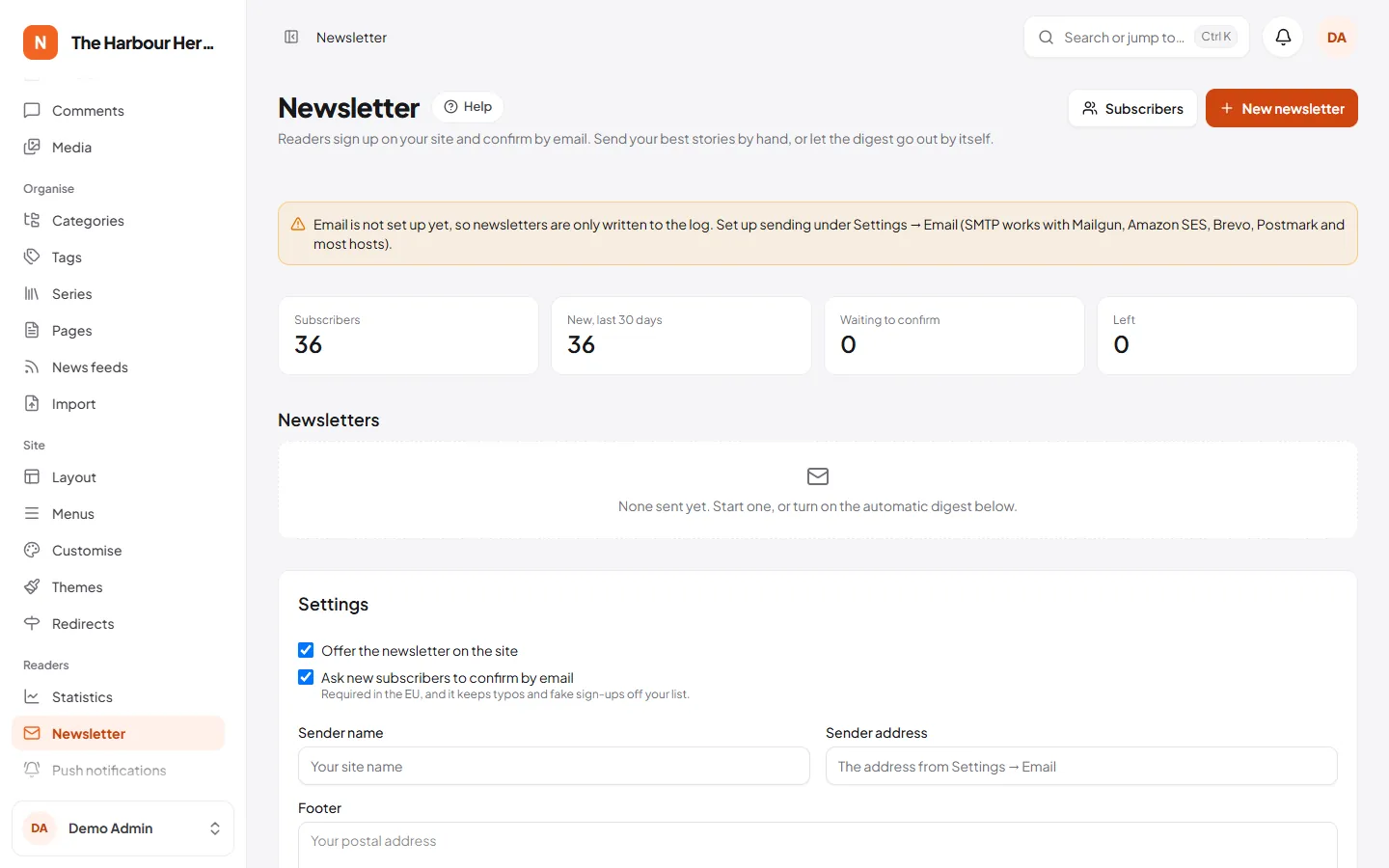
Double opt-in, campaigns, a daily or weekly digest, one-click unsubscribe and optional Mailchimp sync.

Ads and push
Ad zones with picture ads, ad networks and AdSense. Push alerts for the app and the browser, by topic.
Installed in minutes, on the hosting you already have
No terminal, Composer, Node, Redis or queue worker needed. The installer checks your server and explains any problem in plain words.
Upload and extract the zip
Into public_html works: on Apache and LiteSpeed your private files stay private.
Open your site
Enter the database, name your site and make your account. Add demo content if you like.
Add the cron job
One line, once a minute, for scheduled articles, newsletters and background work.
Later, updates are one click: signed and checked, with a backup first and rollback if anything fails. Backups of the database and uploads run daily or weekly.
Built to be trusted with your newsroom
- 0.4 sto build the home page on a test site with 20,000 articles
- 970+automated tests on the server, plus tests for the admin and the app
- Signedupdates, checked before they are installed, with rollback
- Two-stepsign-in and passkeys, security headers and password checks on sensitive screens
Everything that’s included
No add-ons to buy later. This is the full list of what comes in the download.
Writing
- Article, video, audio, gallery and live blog types
- Rich editor: pictures, galleries, embeds, tables, callouts, pull quotes
- Related-article and ad blocks inside the text
- Autosave and edit locking with take-over
- Revision history with comparison and restore
Workflow
- Draft, review, scheduled, published, archived
- Notifications and desk notes
- Seven roles and custom roles
- Trash with restore, bulk actions
Organising
- Nested sections with drag ordering
- Tags and series
- Translations linked across languages
- Pages and a menu builder
Media and comments
- Uploads checked by content, GPS data removed
- WebP sizes around a focal point
- Folders, alt text, captions, credits
- Moderation queue, staff replies, spam protection
Importing
- WordPress: posts, pages, authors, pictures, comments, old addresses
- CSV with column matching
- RSS, Atom and JSON Feed on a schedule
Themes
- Classic, Magazine and Minimal
- Dark mode and right-to-left
- Customiser with live preview
- Child themes, no build tools
Layout
- Drag and drop home page, sidebars and footer
- Main column, sidebar or full width
- Top stories mosaic, sliders, galleries, sections side by side
- Header ticker: trending, latest or breaking
Search engines
- Titles, descriptions, canonical addresses
- Open Graph and X cards
- Structured data for news, live blogs and authors
- Sitemaps with images, Google News sitemap, RSS
- Redirects manager and missing pages list
- Editable robots.txt
Readers
- Six languages with their own addresses
- Author pages and most read lists
- Live blogs update without reloading
- Cookie consent, Analytics 4 or Plausible
- "Download my data" and account deletion
App builder
- 24 components
- Six starter layouts
- Screens, menu, theme and settings
- Preview with your real articles
- Undo, redo and autosave
- Publishing with checks, versions and rollback
The app
- Flutter source for Android and iOS
- Articles with galleries, audio, video and live updates
- Sections, search, tags and writers
- Saved articles synced across devices
- Email, Google and Apple sign-in
- Text size, theme and language settings
Reach and money
- Push notifications through Firebase
- Links that open in the app
- AdMob with Europe's consent form
- Offline reading
Shipping it
- White-label script from one file
- Codemagic and GitHub Actions templates
- Required-update and maintenance screens
- Open-source licences screen
Providers
- OpenAI, Anthropic Claude, Google Gemini
- OpenRouter, Ollama, OpenAI-compatible servers
- Keys stored encrypted, test button
- A provider per job
In the editor
- Expand, shorten, continue
- Rewrite in a tone, fix spelling, simplify
- Translate a selection
- Answers shown as they are written
Assistant panel
- First drafts from notes
- Headlines, meta descriptions, tags, section
- Summaries, push and social text
- Whole-article translation and audio
- Featured pictures and alt text
Control
- Monthly allowances per person
- Usage and cost page
- Editable prompts with history
- Optional content check and AI label
Memberships
- Monthly and yearly plans, free trials
- Stripe, PayPal, Razorpay, Paystack
- Metered paywall, ad-free plans
- Invoices and receipts
Ads
- Picture ads, ad network code, AdSense
- Zones per theme
- Dates, weights, device, language and section targeting
- Impressions, clicks and ads.txt
Newsletter
- Double opt-in and campaigns
- Daily or weekly digest
- One-click unsubscribe
- Optional Mailchimp sync
Push and statistics
- App and browser push, by topic and language
- Automatic breaking news alerts
- Views, top articles, authors, sources, devices
Installing
- Web installer with server checks
- Command-line installer for servers
- Works when extracted into public_html
- Demo content to start with
Keeping it running
- One-click signed updates with rollback
- Backups with download and restore
- System page: cron, background work, licence
- Background work from one cron job
Security
- Two-step sign-in and passkeys
- Security headers and a strict script policy
- Verified payment webhooks
- Protected fetching from outside sites
Documentation
- 24 guides, online and in the download
- Help on the admin's main screens
- REST API with OpenAPI and Postman
What’s in the download
newsloop-web.zipThe site, ready to upload, with everything it needs insidenewsloop-app.zipThe Flutter app and its white-label scriptDocumentation/All the guides as pages that open offline, plus the API filesLicensing/CREDITS.mdThe open-source parts and their licences
What you need
- PHP 8.3 or newer with the usual extensions
- MySQL 8.0+ or MariaDB 10.6+
- A cron job once a minute
- Its own domain or subdomain, such as news.example.com
- For the app: Flutter 3.44, or Codemagic in the cloud, and your own store accounts
- Optional: an AI provider, a payment company, Firebase and AdMob
Questions buyers ask
Does it run on shared hosting?
Yes. You need PHP 8.3 or newer, MySQL or MariaDB, and a cron job. No terminal, Composer, Node, Redis or queue worker. The installer checks your server first.
Do readers need a store update when I change the app?
No. Installed apps download the new layout the next time they open. You only build a new version when you change the app's name, icon or package, or use a component that needs a newer app.
Do I need a Mac to make the iPhone app?
No. The included Codemagic template builds and uploads both apps from the cloud. You need your own Apple and Google developer accounts to publish.
What does the AI cost?
NewsLoop uses your own account with the provider, so you pay them directly, or nothing with Ollama on your own server. Monthly allowances per person and a usage page keep costs in view. AI is optional.
Can I move my WordPress site?
Yes. The importer brings posts, pages, authors, sections, tags, pictures, comments and SEO descriptions, and old addresses redirect to the new ones.
How do updates work?
With your purchase code, updates are one click from the System page: a backup is made first, and the site goes back as it was if anything fails. Your settings, uploads and own themes are kept.